Brand Logos
The Auxano logo system is one of the most recognizable elements of our brand. Consistent use of approved logos across every division reinforces brand recognition, strengthens our identity, and presents a unified Auxano presence.
resources
Auxano Logo Files
Download the complete Auxano logo library for use across print, digital, environmental, and marketing materials. The folder includes approved logo variations, orientations, and file formats to support a range of applications.
Download Logos
Logo Design
Brand Colors
The primary colors Auxano Blue, Teal, Mint, and Accelerator Orange form the foundation of our identity. Use them intentionally to create a clear hierarchy between backgrounds, typography, and accent elements.
Copy HEX Code
Auxano Blue
CMYK
100, 81, 41, 36
RGB
0, 49, 83
HEX
#003153
PMS
540 C
Copy HEX Code
Teal
CMYK
81, 32, 38, 4
RGB
39, 134, 147
HEX
#278693
PMS
3145 C
Copy HEX Code
Mint
CMYK
25, 4, 17, 0
RGB
191, 218, 211
HEX
#BFDAD3
PMS
5523 C
Copy HEX Code
Accelerator Orange
CMYK
0, 67, 98, 0
RGB
255, 118, 24
HEX
#FF7618
PMS
1585 C
Copy HEX Code
Off-White
CMYK
2, 2, 2, 0
RGB
246, 246, 246
HEX
#F6F6F6
PMS
663 C
Copy HEX Code
Gray
CMYK
20, 15, 16, 0
RGB
203, 203, 203
HEX
#CBCBCB
PMS
Cool Gray 3 C
40%
Auxano Blue
25%
Off-White
15%
Accelerator Orange
10%
Teal
5%
Mint
5%
Gray
Color Proportions
When pairing our logo with a partner’s, use three times the small inner square for spacing. Place a thin dividing line in the center to maintain visual balance.
Typography
Download and install the approved Auxano typefaces to keep typography consistent across all brand materials. Futura 100 and Proxima Nova are both available through Adobe Fonts. Both typefaces should be used according to the hierarchy and styling outlined throughout the Auxano brand guidelines.
Our Typeface System
Auxano’s typography system pairs Futura 100 with Open Sans to create a clear, versatile hierarchy. Futura 100 is used for large headlines and primary headlines and is available exclusively through Adobe Fonts for download. Open Sans, available through Google Fonts, is used for subheads and body copy to provide a clean, highly readable complement to the more distinctive headline type.
Display/Hero - Futura 100 Bold
Large statements, campaign headlines.
This is a Large Headline.
Headline - Futura 100 Semibold
Primary page or section headlines.
This is Your Typical Headline.
Subheadline - Proxima Nova Medium
Supporting headlines, introductions and callouts.
Supporting information lives in your subheadline.
Body Copy - Proxima Nova Regular
Paragraphs and longer-form copy.
Body copy remains simple, clean, and highly legible, creating a comfortable reading experience while providing visual contrast against the larger, heavier typography used throughout the system. Its restrained scale and weight allow supporting information to feel organized and approachable without competing with headlines, helping maintain a clear hierarchy and consistent rhythm across every Enviropop application.
Logo Design
Brand Logomark
Our logomark represents the core of our identity, balance between our circular symbol and custom wordmark. Together, they form the complete expression of our brand. Always use the official lockup provided, and never alter proportions.
Logo Clearspace
Clearspace ensures our logo always appears with enough breathing room to maintain its visibility and impact. The minimum clearspace is defined by the height of our symbol (marked as X) and should surround the logo on all sides.
Logo Design
Color Formats
Our logos are available in two approved color treatments: Auxano Blue and White. To ensure maximum contrast, legibility, and brand consistency, use only the approved color combinations shown below.
Background
Logo Design
Minimum Sizes
For applications where the primary horizontal logo falls below the minimum size, use the stacked logo instead to preserve legibility.
Print 0.3 height
The logo must be at least 0.3 inches in height for print to ensure clarity and legibility. Smaller sizes may cause loss of detail and reduce brand impact.
Brand image 1
Digital 48px height
The logo must be at least 48 pixels in height on digital platforms to maintain clarity and legibility. Smaller sizes may affect visibility and recognition.
Brand image 2
Social Media
Avatar Displays
Avatar displays must use only the approved Auxano “O” icon treatments: dark blue on white or white on dark blue. No other color combinations or avatar variations are permitted unless approved by the Marketing team.
Image
Image
Social Media
Avatar Displays
Our brand occasionally partners with other organizations on shared initiatives and campaigns. When creating a joint logo lockup, maintain consistent spacing, sizing, and alignment so both identities feel balanced, intentional, and cohesive.
Partnership Lockup
When pairing the Auxano logo with a partner logo, place the Auxano logo to the left of the approved vertical divider and the partner logo to the right. Maintain clear space between each logo and the divider equal to the width of the “n” in the Auxano logo.
Application
Incorrect Usages
To maintain brand consistency and legibility, always use the logo in its approved form and color treatments. The examples below illustrate common misuses to avoid.
Brand image 1
Avoid Busy Backgrounds
Don't place the logo over cluttered or complex backgrounds like bookshelves, patterns, or detailed imagery. This reduces legibility and diminishes brand impact.

Brand image 1
No Effects or Alternate Fills
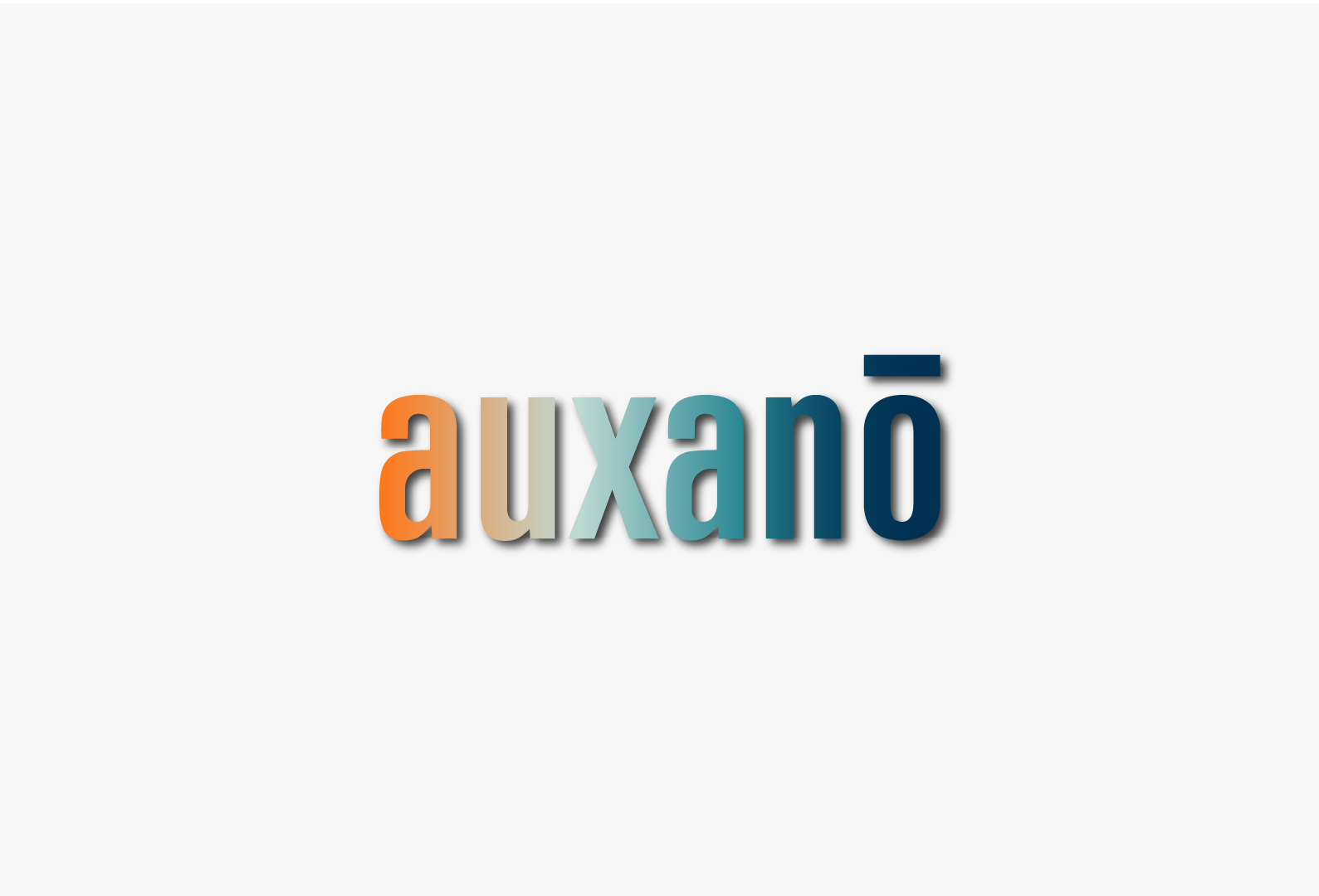
Do not apply gradients, shadows, or other visual effects to the logo. Always use the logo in its original artwork without enhancements or modifications.
Brand image 1
Preserve Color Integrity
The logo should appear only in its approved color treatments. Do not substitute, modify, or apply custom colors, as this compromises brand recognition and consistency.
Brand image 1
Do Not Stretch or Distort
Do not stretch, compress, or distort the logo in any direction. Always scale the logo proportionally to preserve its intended appearance and maintain brand consistency.
Brand image 1
Do Not Rotate or Reorient
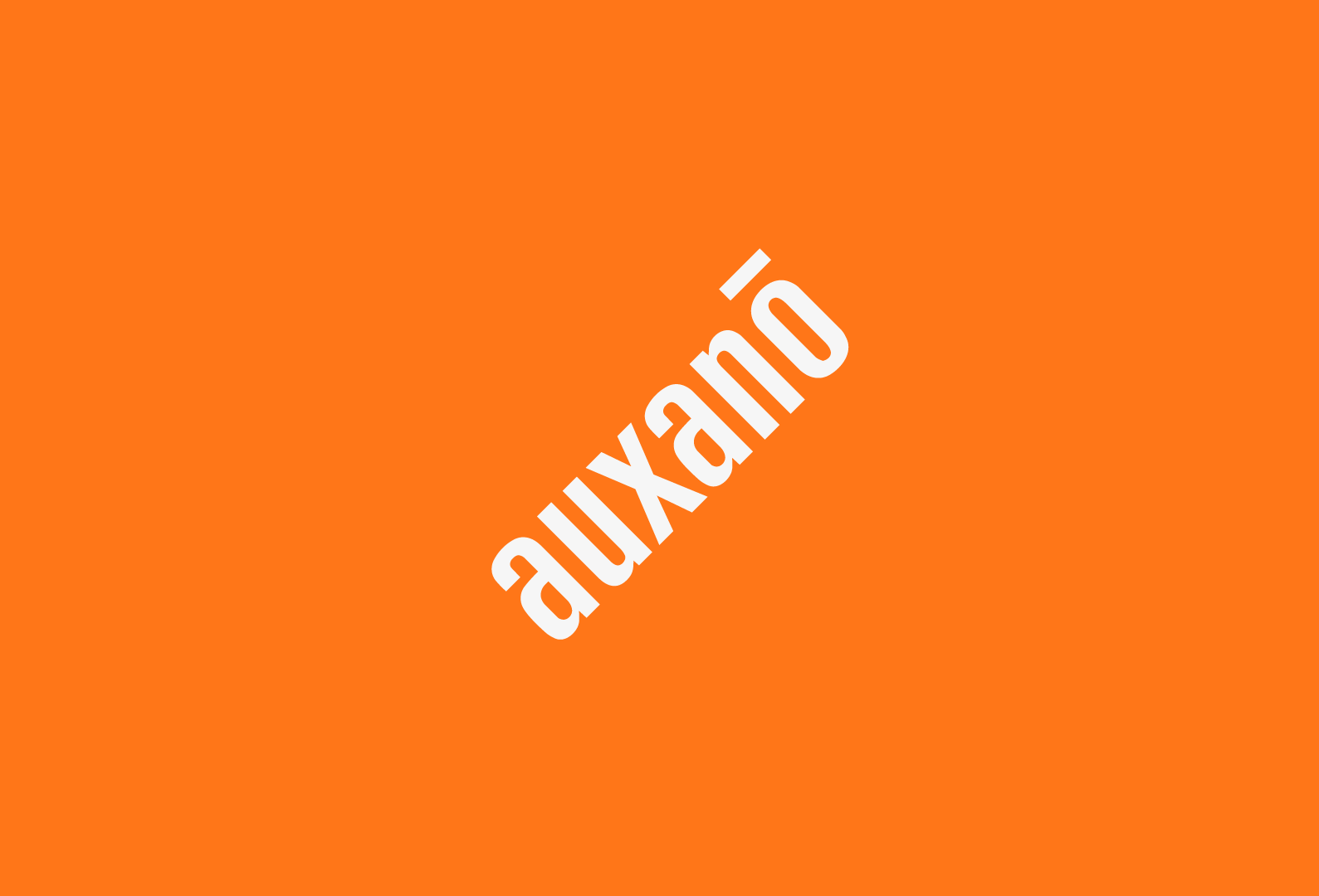
The logo should always appear in its original orientation. Rotating, mirroring, or flipping the logo is not permitted.
Brand image 1
Incorrect Tagline
Do not create or add custom taglines, descriptors, or messaging to the Enviropop logo. Only approved logo configurations and brand messaging should be used.
Graphic Assets
Auxano Graphic Assets
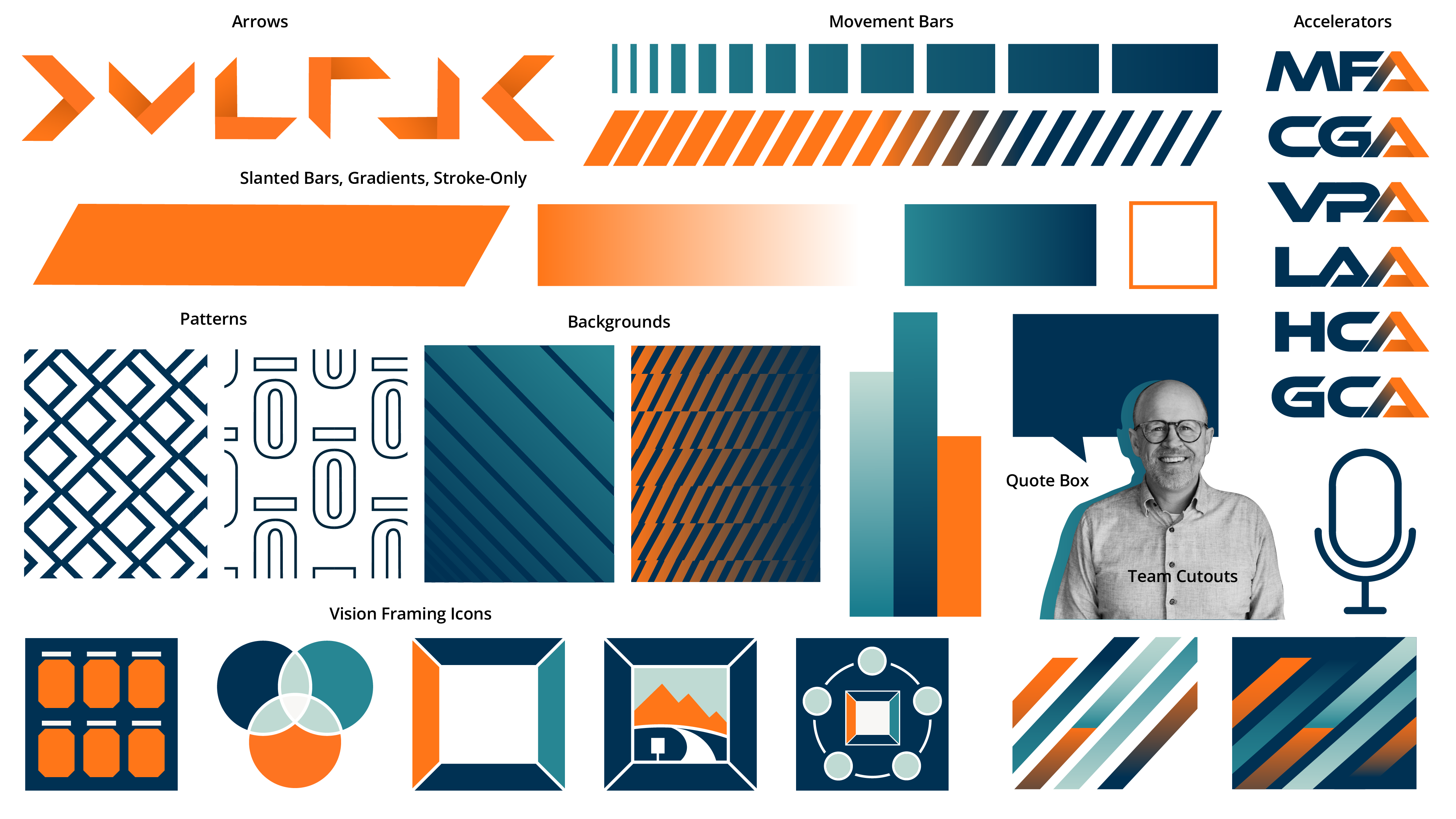
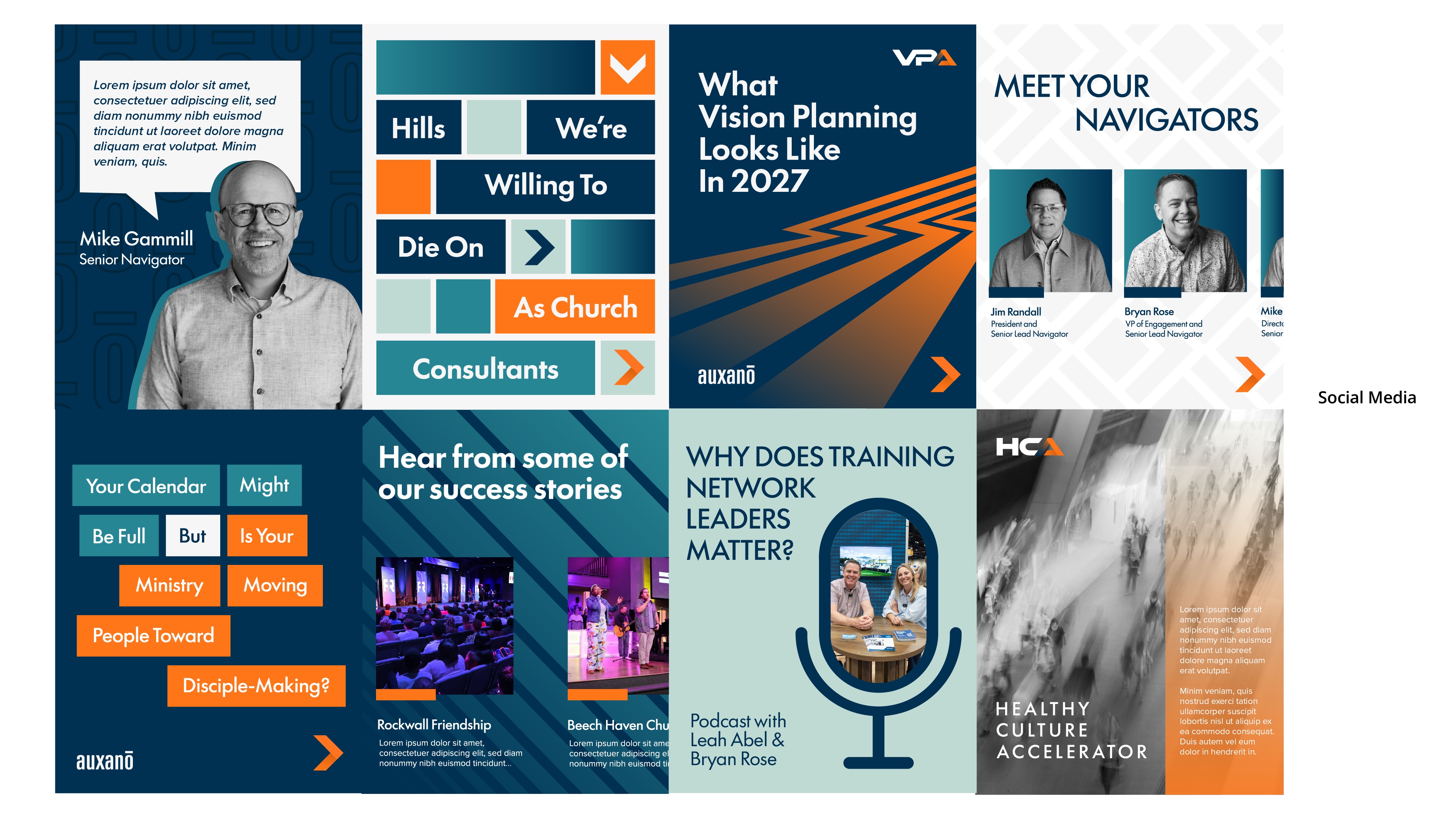
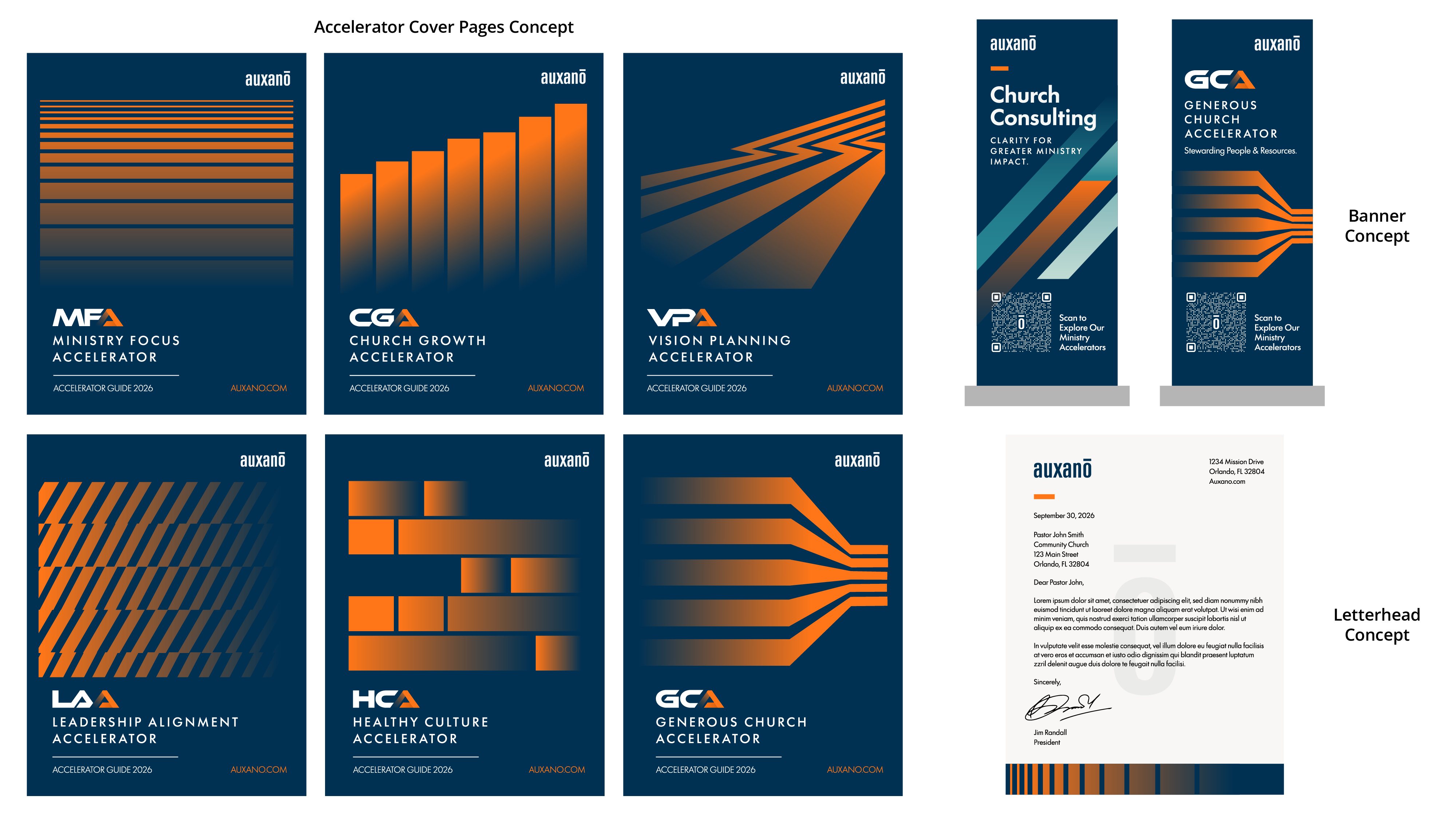
Auxano the approved Auxano graphic assets for use across digital, print, social, and branded materials. This library includes patterns, textures, graphic elements, and other supporting visuals that bring the Auxano identity to life.
Download Assets
Visual Assets
Our visual assets provide a library of approved graphic elements that reinforce the Enviropop brand. From bold shapes and playful patterns to supporting textures and graphic accents, these assets work together to create a consistent, energetic, and recognizable visual language across every touchpoint.